
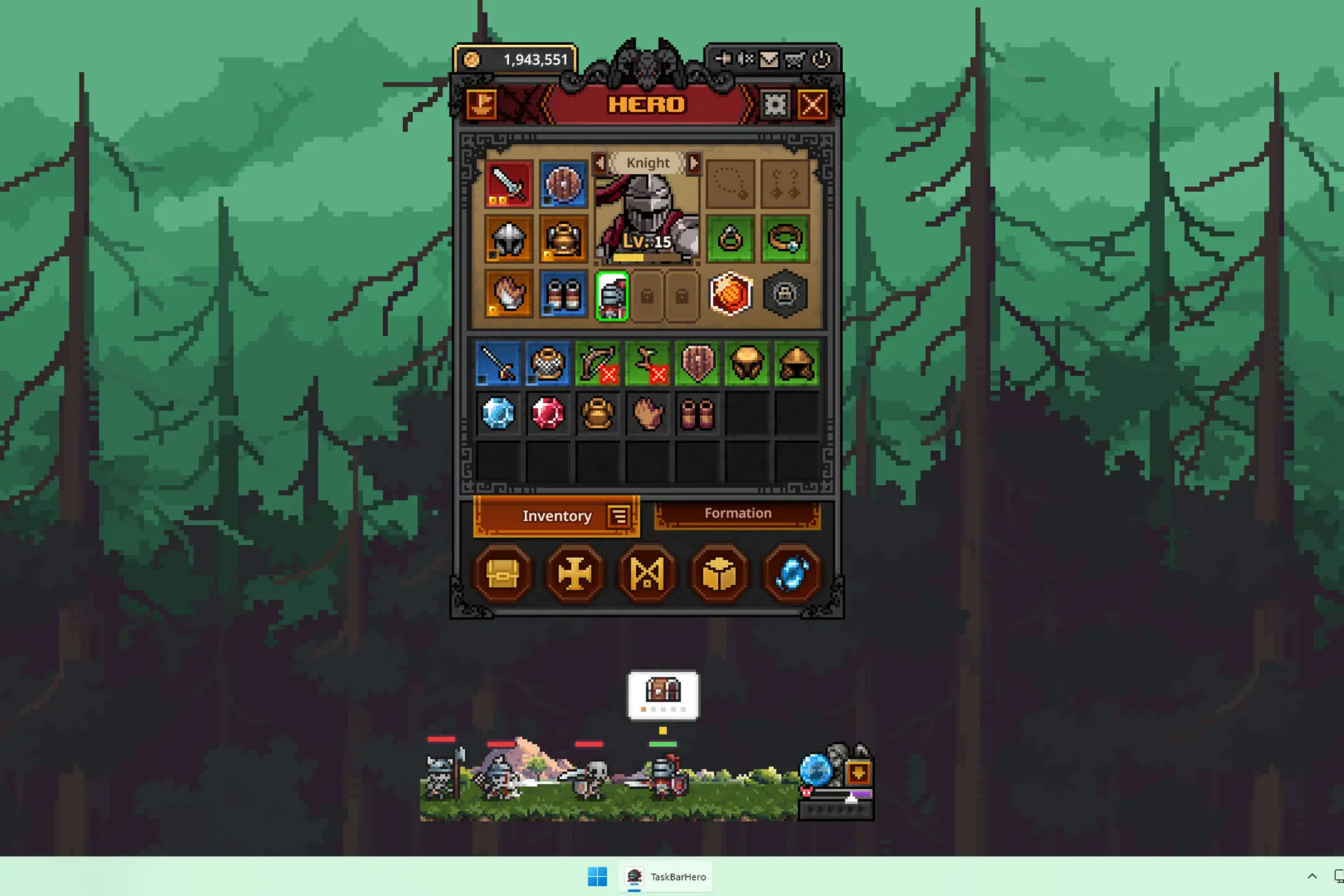
TBH: Task Bar Hero is not just an awesome little game that keeps running in your task bar, but also one where you can sell your loot for real Steam Wallet money.
And while I have a dedicated guide on how to earn real money with this game, I realized that one important part of the puzzle is missing: how to actually list your items on the Steam Market via the in-game Steam Trade Ship and how to set your price.
It’s not straightforward at all, and I wasted hours waiting for my items to sell, thinking they were listed when they were not. So, to make sure you’re not doing the same mistake, here’s the quick guide you need.
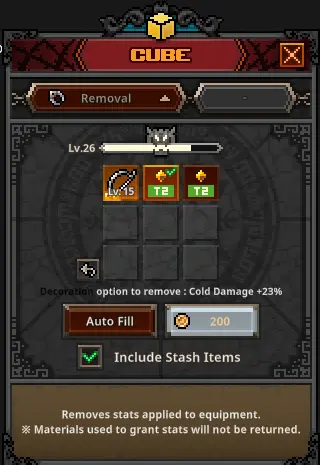
1. First, for any item you plan to sell, you must meet the pre-requirements. This means that any item you list must have no decorations or engravings.
These can be removed easily by going to your Cube, selecting the “Removal” option from the drop down menu, and then removing each boost from the item you want to sell:
To make sure you get extra loot faster, since that’s the main way to get those juicy rare items that sell for big bucks, make sure you use the best formation in Task Bar Hero.
2. Next, open the menu and click the Steam Trade Ship icon in the upper left corner. This will open a new menu where you can actually list your loot.
To list an item, simply drag it from your inventory or stash to one of the four available slots, then press the green check button (without pressing it, you won’t list the item, even if it’s in a slot!)
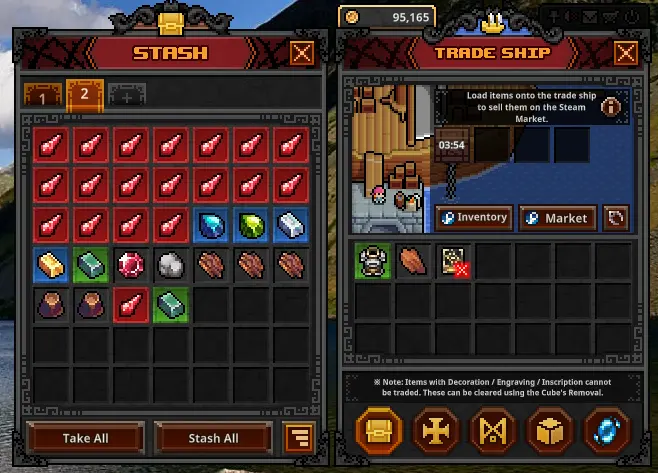
Note: Once you list an item, that slot remains locked for 8 hours, even if you sell the item listed. So to optimize profits, list the items you are absolutely sure you will sell first.
3. Placing the items in the game’s Trade Ship is not enough to actually get a chance to sell them! You need an extra step to actually list those on sale on Steam’s Marketplace (and set the price).
After placing the items in the Steam Trade Ship in Task Bar Hero, click the “Inventory” button to be taken to your Steam Inventory.
This is where you have to select the Task Bar Hero (it should be selected automatically) and list each item individually in the Steam store. You will also need to confirm each listing via the Steam app on your phone.
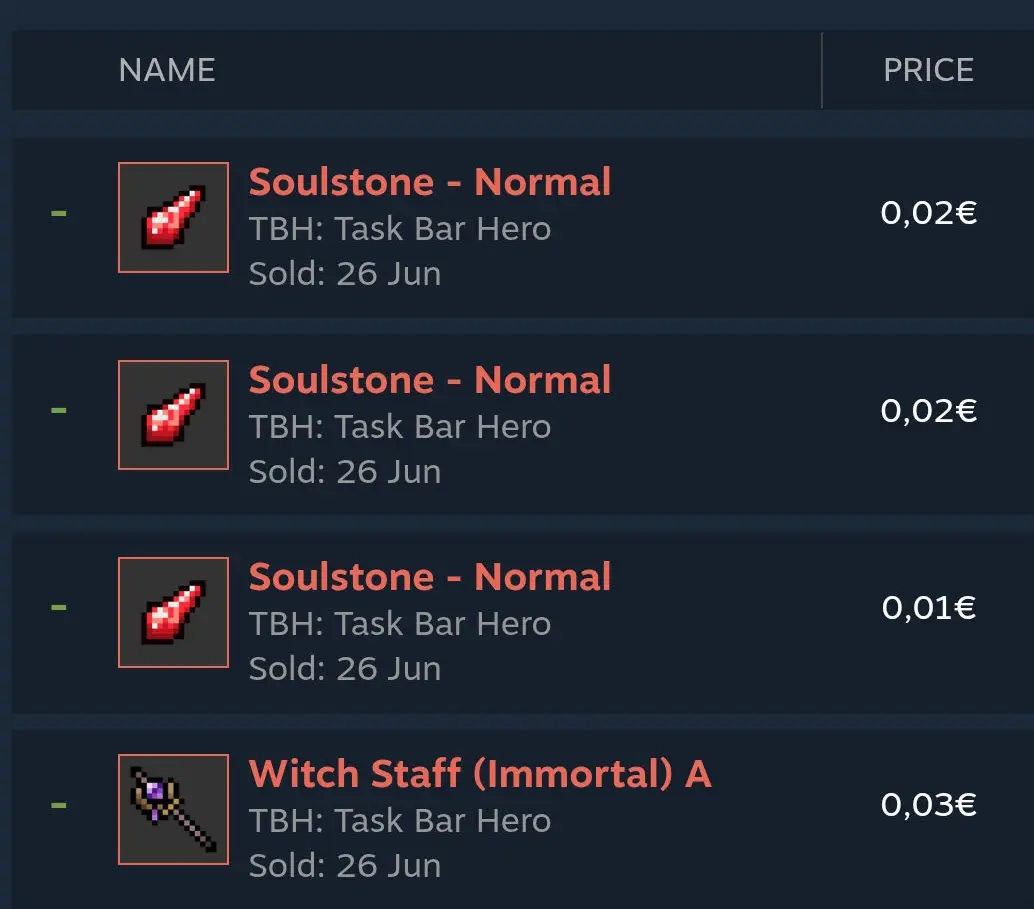
And this is it! Only now you have the items listed and ready to sell for some welcome Steam Wallet money.
If you want character builds, I have a few for you, so you know how to max them out properly for getting max gains, too:
If you have additional questions about this process, let me know, and I will answer ASAP.

- Rooms & Exits Complete Walkthrough Index by Chapter and Level - October 12, 2026
- Rooms & Exits Backyard Walkthrough (Level 9, Chapter 3 – Murder Dressed in White) - October 12, 2026
- Rooms & Exits Kids Playroom Walkthrough (Level 8, Chapter 3 – Murder Dressed in White) - October 12, 2026