
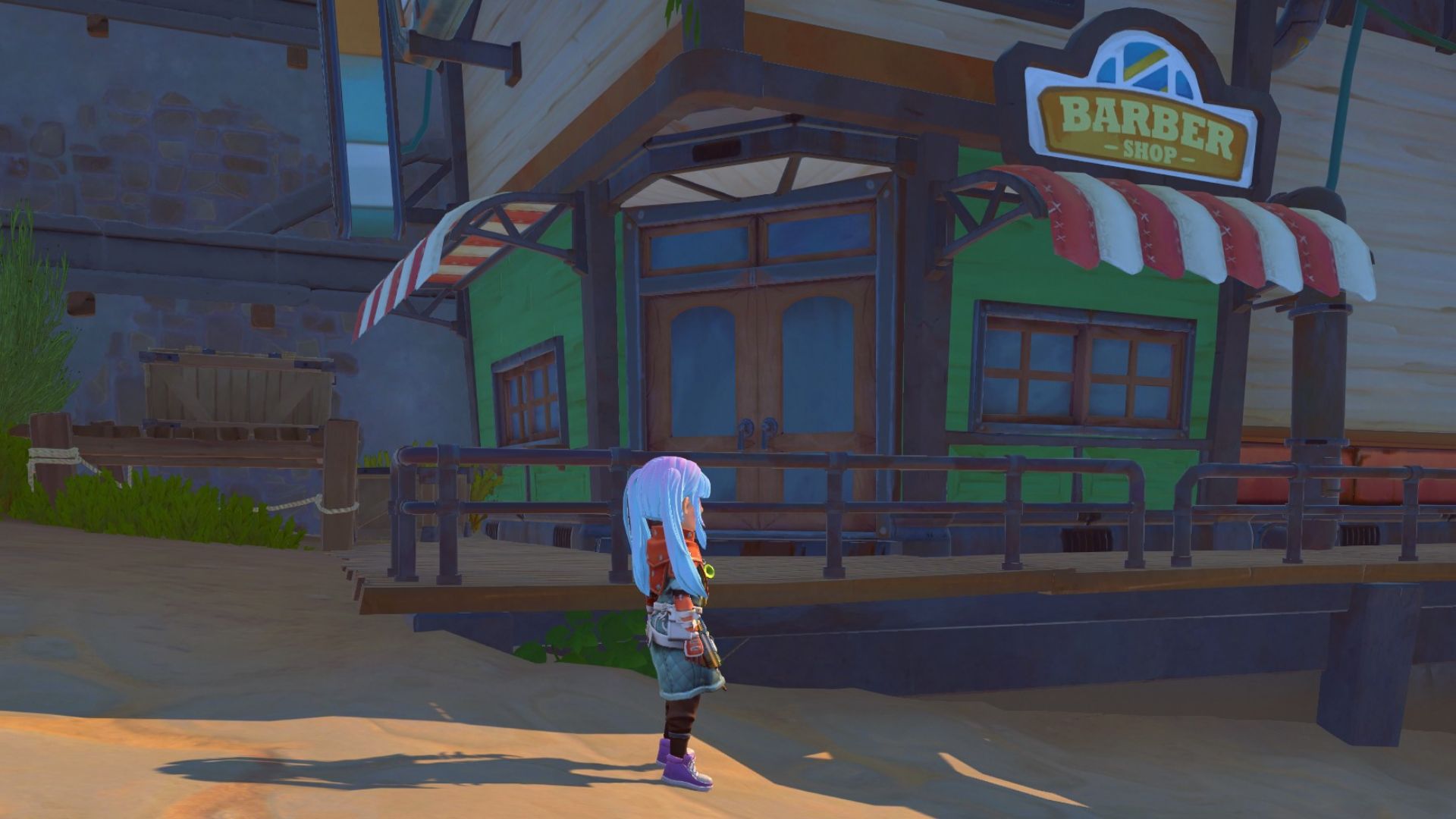
Are you trying to change your appearance in My Time at Sandrock? Here’s how to alter your outfit, hair, and makeup in this game.
You can change your outfit in MTaS through your inventory by navigating to the outfit tab and you can change your appearance after unlocking Pablo’s Parlor.
Let’s explain these in more detail while also showcasing how to get more outfits and how to hide your hat if you want to show off your hairstyle.
Before moving on, if you’re facing performance issues, here’s how to fix crashes and freezes in My Time at Sandrock.
How to Change Outfit in My Time at Sandrock

To change your outfit in My Time at Sandrock, access the character menu (default hotkey: C), select the outfit tab on the top right, add the outfit pieces you want, and click ‘Apply Outfit’ on the bottom right.
Your outfit will not affect your stats; stats are only affected by your equipment tab. Instead, in the outfit tab, you are able to select any outfit pieces you’ve unlocked throughout the game.
How to unlock more outfits
To unlock more outfits in MTaS, purchase new clothes from Tailor Made or sew them by using the Tailoring Machine station.
There are many outfits available in the game and you’ll unlock more as you progress the main story.
If you’re changing your outfit to impress your favorite character, consider also checking out our MTaS romance guide with a full list of all romanceable characters.
How to Change Appearance and Hairstyle in My Time at Sandrock
If you want to change your appearance in My Time at Sandrock progress the main story until Pablo’s Parlor is open and visit this store to get a makeover. From there, you can change both your hair and your makeup in exchange for Gols.
However, you can’t change your face in MTaS. This is the only thing that can’t be changed at all on your character.
How to Hide Hat

If your equipment has a hat and you want to hide it because you spent too much time customizing your hair and want to show it off, there’s an easy way to do it.
To hide your hat, access the game settings and set the ‘Show Hat’ option to Off. This way, you’ll keep the stat bonuses from your equipped hat but the hat will be hidden.
Wrapping up
To summarize, you can change your appearance in My Time at Sandrock after you progress through the story and unlock Pablo’s Parlor. You can’t change your face, but you can change your hair and makeup there.
Additionally, you can change your outfit from the outfit menu while maintaining any stats given by your equipment.
Which outfit are you currently using? I think MTaS has one of the best outfit systems overall. Let me know if you agree in the comments below.
Also, if you’re just starting in the game and are overwhelmed by the large amount of items and quests, check out our best tips and tricks in My Time at Sandrock.

He has a Master’s Degree in Philosophy, which allows him to always come up with a fresh approach to solving in-game puzzles and challenges, but also to create content that’s to the point, clean and easy to follow.
- Best Family Co-op/Party Games for PS5 - June 10, 2026
- Best RPGs with Romance and Relationship Options (2026 Update) - June 9, 2026
- Palia Open the Door Quest Guide: All 3 Riddle Answers - June 9, 2026