
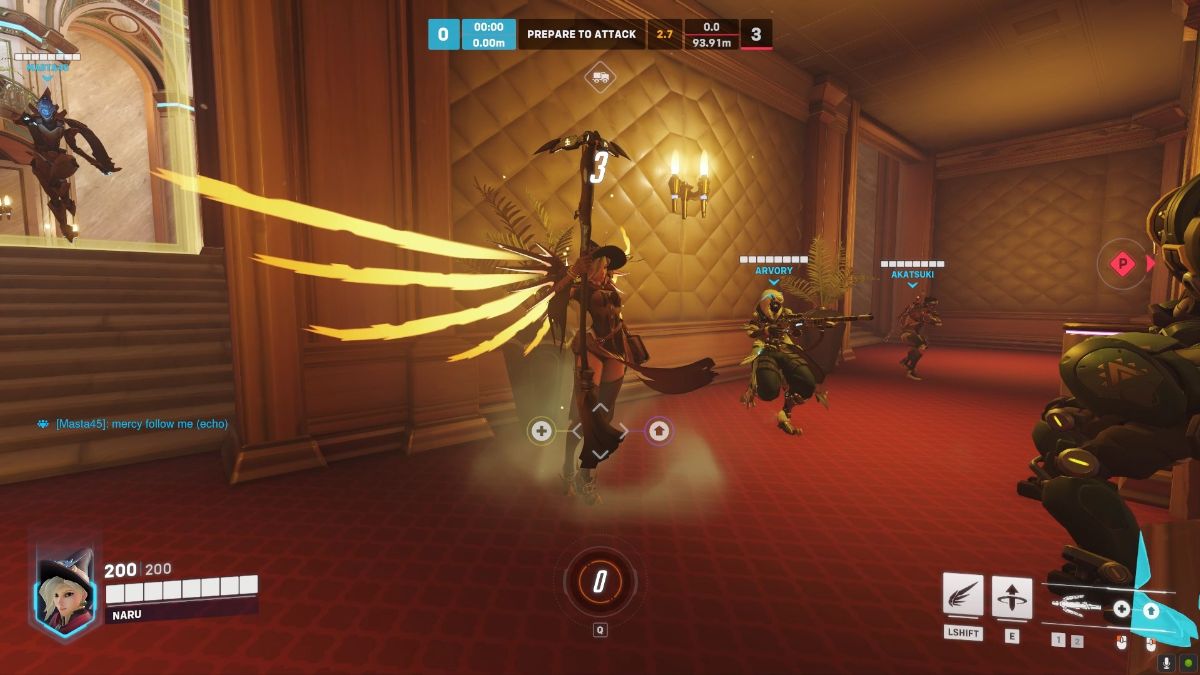
One key part of Overwatch 2 is its competitive mode. While the mode itself works similarly to Overwatch, Blizzard decided to make changes in the way players are ranked and the ranks themselves.
Being able to see your rank is an essential part of understanding how to improve, which heroes to pick, and with which friends you can play.
One thing that remains the same is the way to earn competitive points and unlock golden weapons. While these are only cosmetics, they are a great way to showcase hero mastery.
In this guide, I will explain where to see your rank in Overwatch 2 and showcase all ranks in the game.
How to Earn Your Rank
When you first join the game, regardless of whether you played Overwatch or not, you won’t have a rank.
To earn a rank in Overwatch 2, players need to either win 7 games or lose 20. This takes longer compared to Overwatch or other games, where within 5 or 10 games players were able to know their rank.
The main reason behind this is that Blizzard wants to create a more fair ranking environment where players are in the rank they belong.
It’s too early to tell if this is going to be an effective method, but maybe Blizzard is on the right track here.
How to See Your Rank

After finishing your placement games, you’re probably left wondering where to see your rank. The only sure thing is that you can’t see it anywhere in the main menu.
Instead, players need to select their profile icon from the top right of the main menu, right-click on it, and select ‘View Career Profile’.
As long as you’ve played at least 1 competitive game this season, you will see a tab in the middle named ‘Competitive’. From there, you can see all details about roles, heroes, and time you’ve spent playing Overwatch 2 competitive mode.
In addition, if you’ve earned a rank, you will be able to see it there.
All Ranks in Overwatch 2

Overwatch 2 features a ranking system similar to most FPS games. Here are all the ranks (also known as skill tiers) in Overwatch 2, from the lowest to the highest one.
- Bronze
- Silver
- Gold
- Platinum
- Diamond
- Master
- Grandmaster
- Top 500
Each rank is sub-categorized into 5 divisions with 5 being the lowest and 1 the highest.
Different Skill Tiers Per Role
One key part that makes the Overwatch 2 ranking system unique is that players have different ranks (skill tiers) for each role.
This means that while you may be Gold 1 as a DPS, you can be Platinum as a Support and Silver as a Tank.
This is an interesting change that encourages players to try different roles since they will be matched with lower-ranked opponents.
Conclusion
To sum up, to see your rank in Overwatch 2, you will need to visit your career profile and select the competitive tab.
From there, you can see all kinds of details about your rank and your performance in the competitive mode.
What do you think about the ranking system in Overwatch? Should it be easier to see your rank from the main menu? Let us know in the comments below.

He has a Master’s Degree in Philosophy, which allows him to always come up with a fresh approach to solving in-game puzzles and challenges, but also to create content that’s to the point, clean and easy to follow.
- Best Family Co-op/Party Games for PS5 - June 10, 2026
- Best RPGs with Romance and Relationship Options (2026 Update) - June 9, 2026
- Palia Open the Door Quest Guide: All 3 Riddle Answers - June 9, 2026